

Description
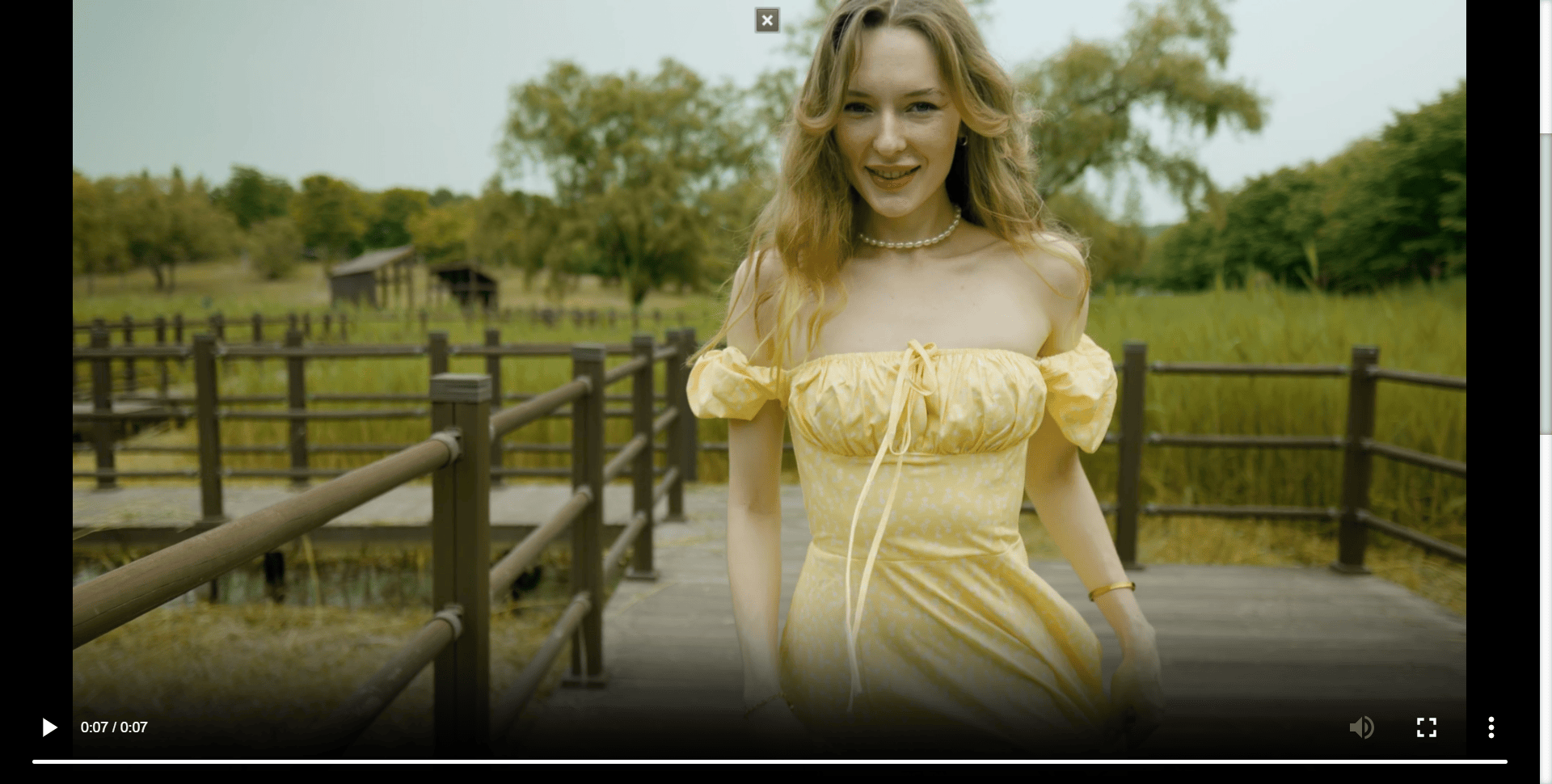
Plugin Overview Video
Create unlimited galleries and sliders, including:
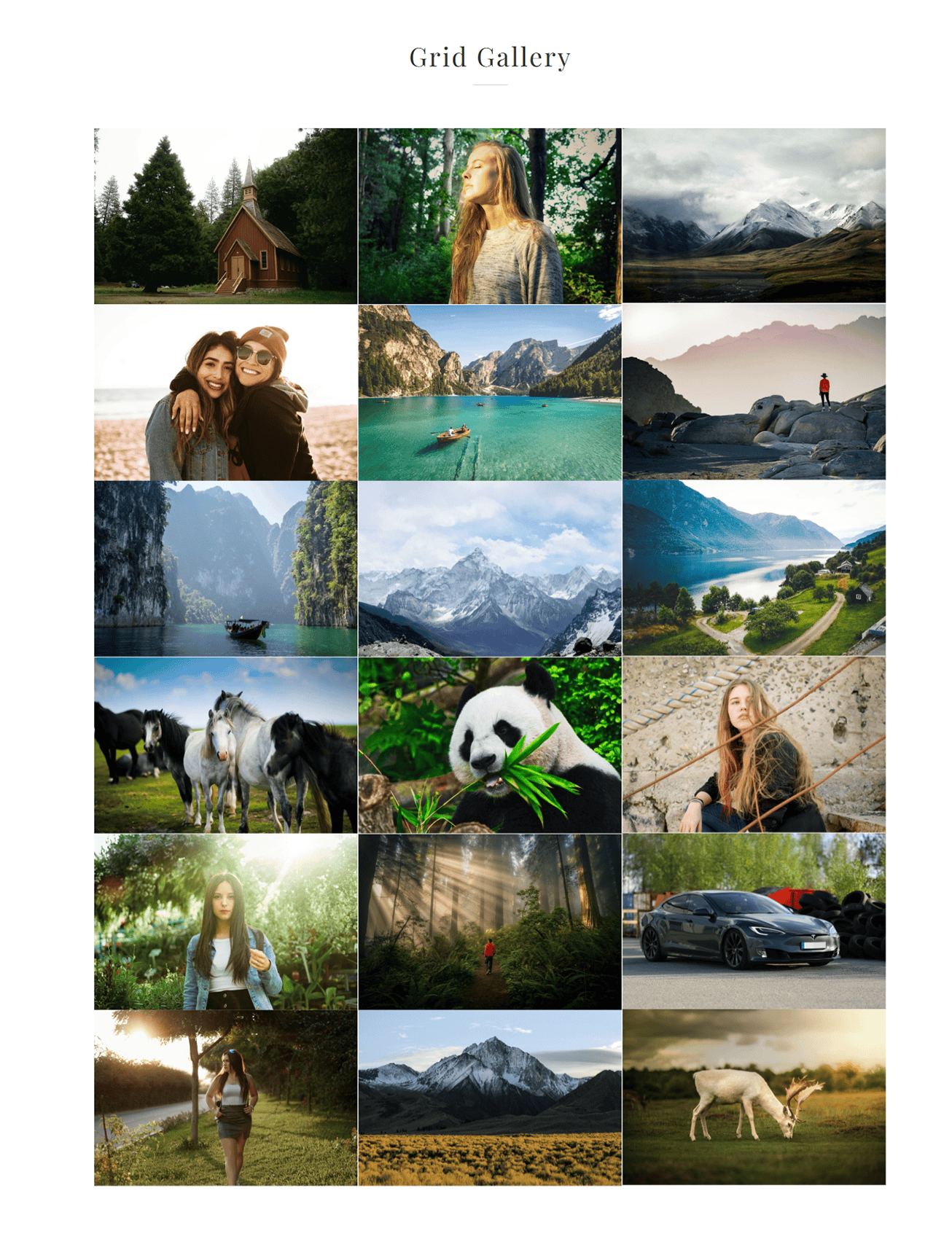
- Image Grid Gallery
- Image Carousel Gallery
- Cover Gallery with black & white effect
- Kenburns Slider
- Carousel Slider
- CSS3 Animation Slider
- YouTube, Vimeo, and local video galleries
All galleries support lightbox popups with smooth animations and responsive design. This plugin is fully compatible with popular page builders like Elementor and WPBakery Page Builder.
✔️ Touch-enabled
✔️ Mobile-optimized
✔️ Full-screen support
✔️ Pan / Zoom effects
✔️ Swipe navigation
🚀 Upgrade to PRO: Unlock premium layouts, animations, filters, video options, and dedicated support.
👉 Get peLightbox PRO
Easy Customizable, easy to use, and built to support Youtube & Vimeo or Local video gallery ,Image Grid Gallery ,Image carousel gallery,Cover Gallery with black and white effect, Kenburns Slider, Carousel Slider and CSS3 Animation Slider too. There are also lots of effects and all gallery support grid and lightbox. All gallery items will be open nice and smooth lightbox. PeLightbox Gallery supports with 2 most famous page builder plugins Elementor page builder and WPBakery Page Builder.
WordPress Features
- Qautomatically opens all image links with flare (optional)
- automatically opens all YouTube/Vimeo links with flare (optional)
- integrates with native WP gallery
- integrates with Elementor Page Builder
- integrates with WPBakery Page Builder.
- shortcode builder
Image/Video Navigation via:
- UI buttons
- Swipe gestures
- integrates with native WP gallery
- Mousewheel navigation
- Keyboard arrows
Transitions
- Use hardware acceleration on CSS transforms
- Fallbacks to standard jQuery animation.
Media Support:
- Images
- Fullscreen/Boxed YouTube and Vimeo videos.
- Automatically retrieves cover image.
Caption Support:
- optional per image title
- optional per image description.
- autohide when showing thumbnails (gallery).
Caption Support:
- Side to side scrolling or Zoom + optional black and white transition
- Scrolling thumbnails.
- Mixed media.
- Mixed scale modes.
Most Free Features:
- Image standard gallery.
- Grid layout gallery.
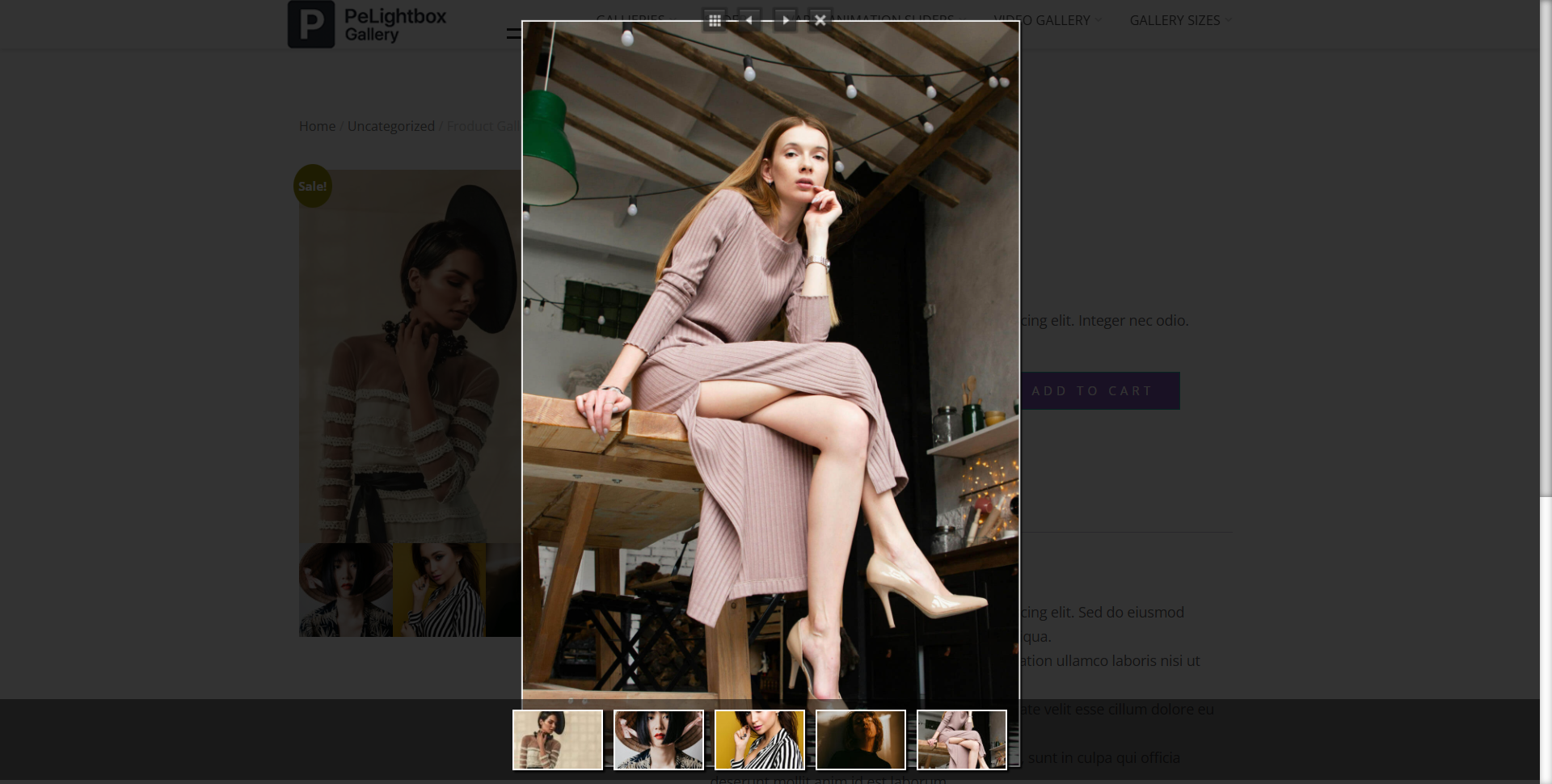
- Woocommerce product gallery
- YouTube & Vimeo Video Gallery (Supports 1–2 columns)
- Volo Swipe Slider
Most Premium Features:
- Image standard gallery.
- Grid layout gallery.
- Fullscreen Lightbox
- Cover Gallery
- Black And White Effects – Cover Gallery
- YouTube & Vimeo Video Gallery (Supports 1–4 columns + Custom Video Background Image)
- YouTube & Vimeo Video Lightbox gallery
- Custom video gallery
- Volo Swipe Slider
- Vario Slider – CSS3 Animations
- Vista Slider – Pan / Zoom Effect
- Vista Slider – Kenburns
🎥 Video Gallery (YouTube, Vimeo & Local)
🔥 Advanced Lightbox (Fullscreen, Effects)
✨ Premium Gallery Layouts (Cover, Styled, Effects)
🎯 Category Filters & Sorting
⚡ Advanced Sliders (Vario, Vista, Kenburns, CSS3 Animations)
🖼️ WooCommerce Advanced Gallery
🚀 More Power & Customization
Most Free & Premium Demos:
📦 PELIGHTBOX GALLERY DEMOS
*Image List Gallery
*Standard Layout List Gallery
*Grid Gallery
*Masonry Layout Gallery
*Portriat Gallery
*Woocommerce Product Gallery
*Inline Free Gallery – 1 Columns
*Inline Free Gallery – 2 Columns
🖼️ PELIGHTBOX GALLERY PRO DEMOS
*Grid & Masonry Layout Gallery Fullscreen Lightbox Effects
*Grid Gallery Full Screen Lightbox – few versions
*Carousel Gallery
*Cover Gallery
🖼️ PELIGHTBOX GALLERY TYPES FREE
*Gallery Type Fit
PELIGHTBOX GALLERY TYPES PRO
*ALL Types
*Gallery Type Sutter
*Gallery Type FitMax
*Gallery Type Fill
*Gallery Type FillMax
🖼️ PELIGHTBOX GRID GALLERY SIZES FREE
*Full (Default)
*Large 1024 x 1024
*Vertical
*Large Horizonal
*Horizonal
*Large Medium
*Medium
*Thumbnail
🎬 PELIGHTBOX GALLERY SLIDERS DEMOS FREE
*Volo Swipe Slider
🎬 PELIGHTBOX GALLERY SLIDERS DEMOS PRO
*Vista Slider All Version
*Vista Kenburn Pan/Zoom Effect
*Vista Slider Fade
🎬 PELIGHTBOX GALLERY VARIO – CSS3 ANIMATIONS SLIDER DEMOS PRO
*Vario Slider All
*Vario – Random
*Vario – Block
*Vario – Block Fade
*Vario – Bars
*Vario – Drop
*Vario – Fade
*Vario – Flip
*Vario – Fall
*Vario – Reveal Right
*Vario – Reveal Left
*Vario – Reveal Bottom
*Vario – Reveal Top
*Vario – Domino
*Vario – Saw
*Vario – Zoom
*Vario – Scale
🎬 PELIGHTBOX GALLERY VIDEO GALLERY DEMOS PRO
*Youtube & Vimeo Lightbox Video Galery
*Video gallery (Lightbox Image)
*Video gallery (Lightbox Sutter Zoom Effect)
*YouTube & Vimeo Inline Gallery
*Inline YouTube & Vimeo Galery with caption Image
*Inline Gallery Columns = 4,3,2,1
*Custom Local Video Gallery
External Services
This plugin makes use of the following external services:
- YouTube (youtube.com) – for embedding and playing videos.
- Vimeo (vimeo.com) – for fetching video data and embedding videos.
- Vzaar (vzaar.com) – for fetching video data and embedding videos.
Resources
This plugin includes code from the third-party library Isotope v1.5.25,
which is integrated inside the main JavaScript file (assets/js/main.js).
Isotope is authored by David DeSandro / Metafizzy.
Official site: http://isotope.metafizzy.co
License: Commercial license, free for open source under certain conditions.
Source code: https://github.com/metafizzy/isotope
Screenshots
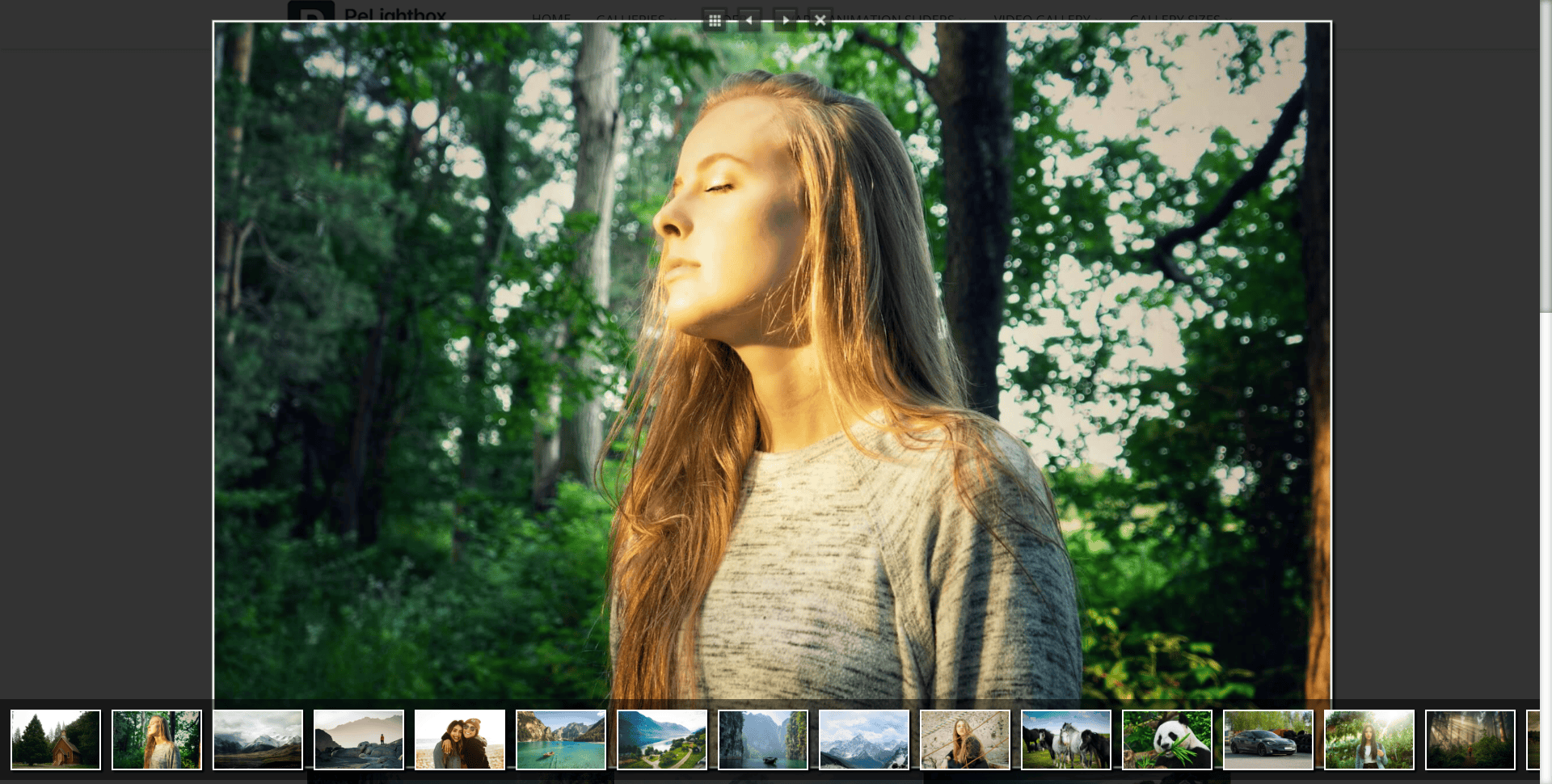
PeLightbox Gallery admin area. 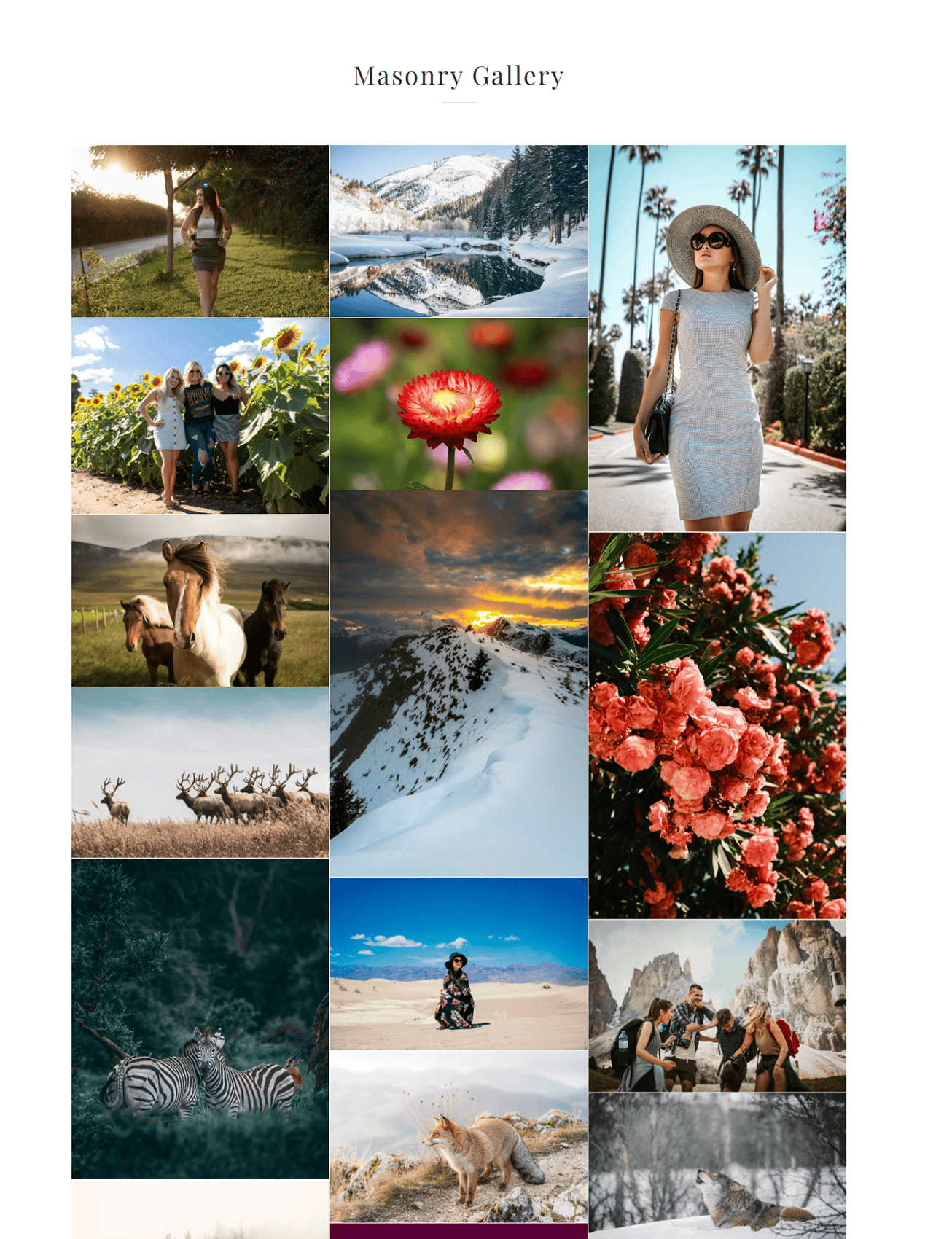
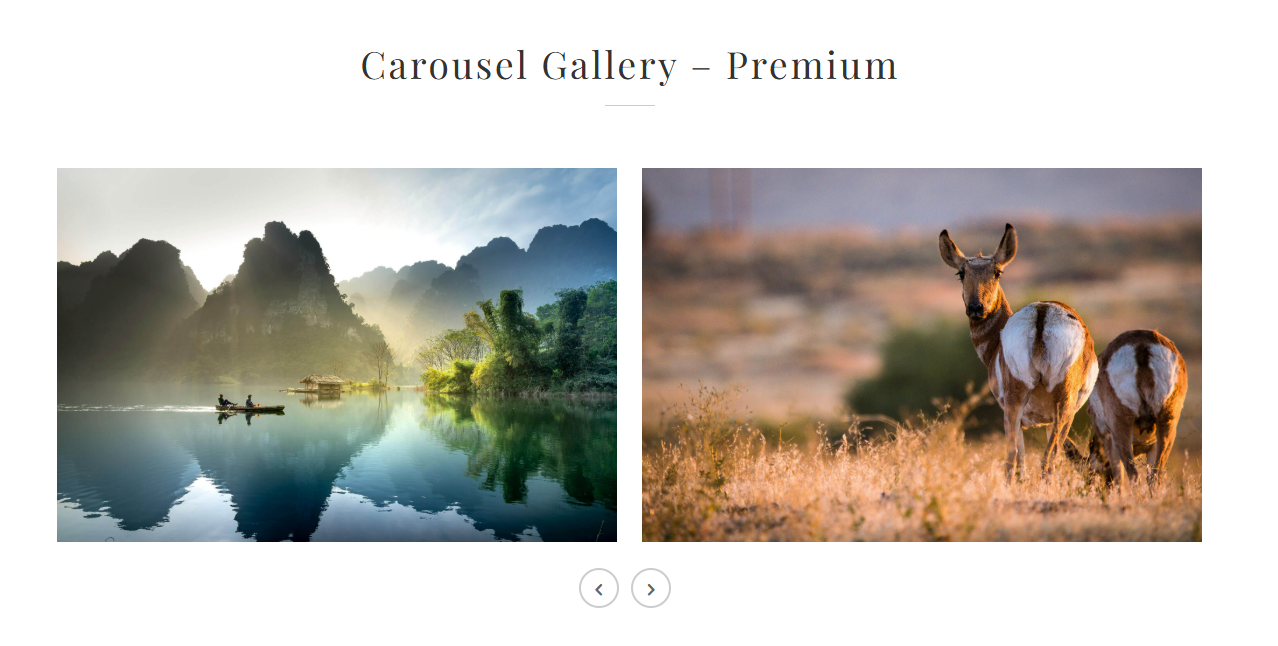
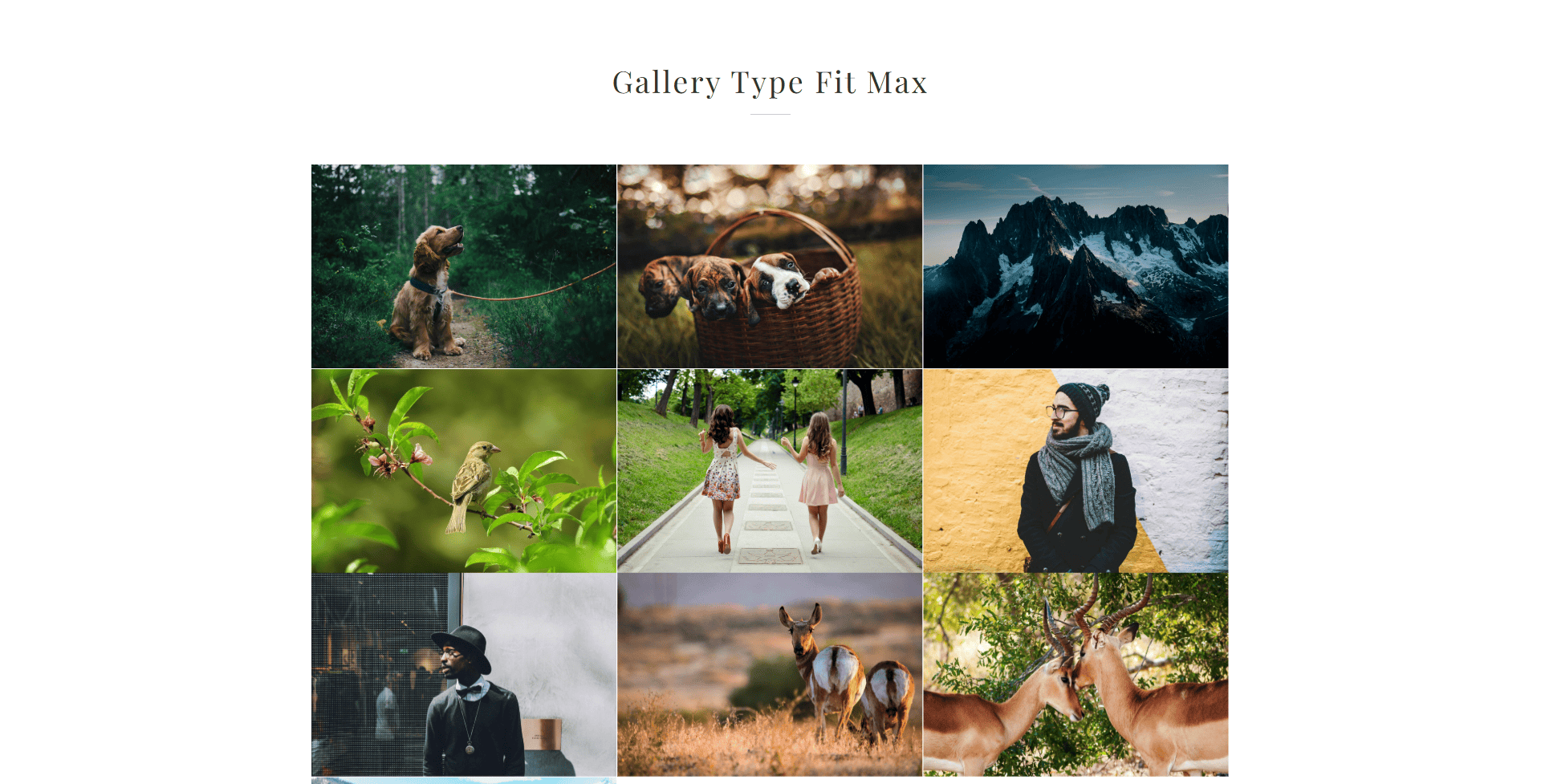
PeLightbox Gallery image gallery. 
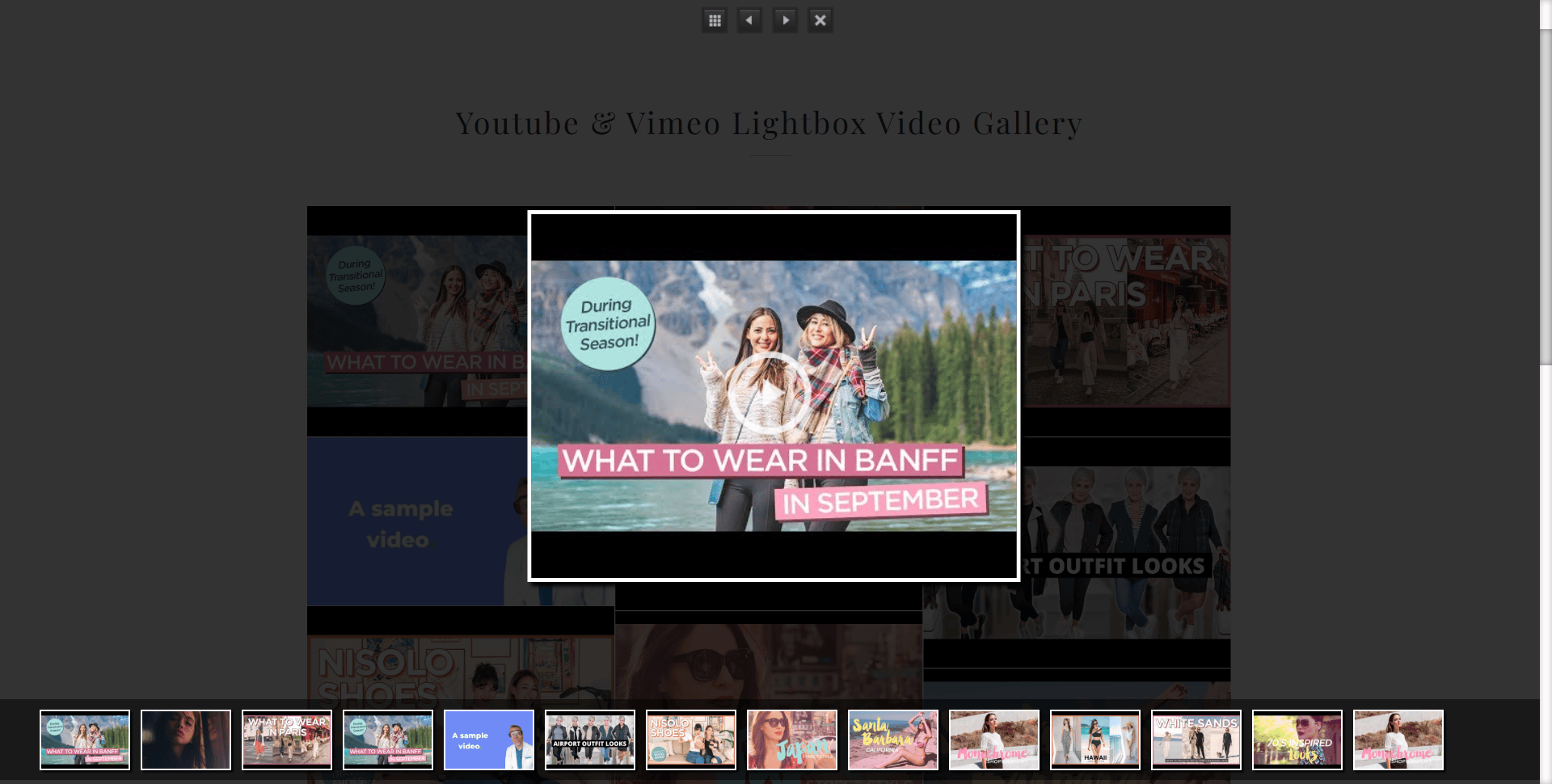
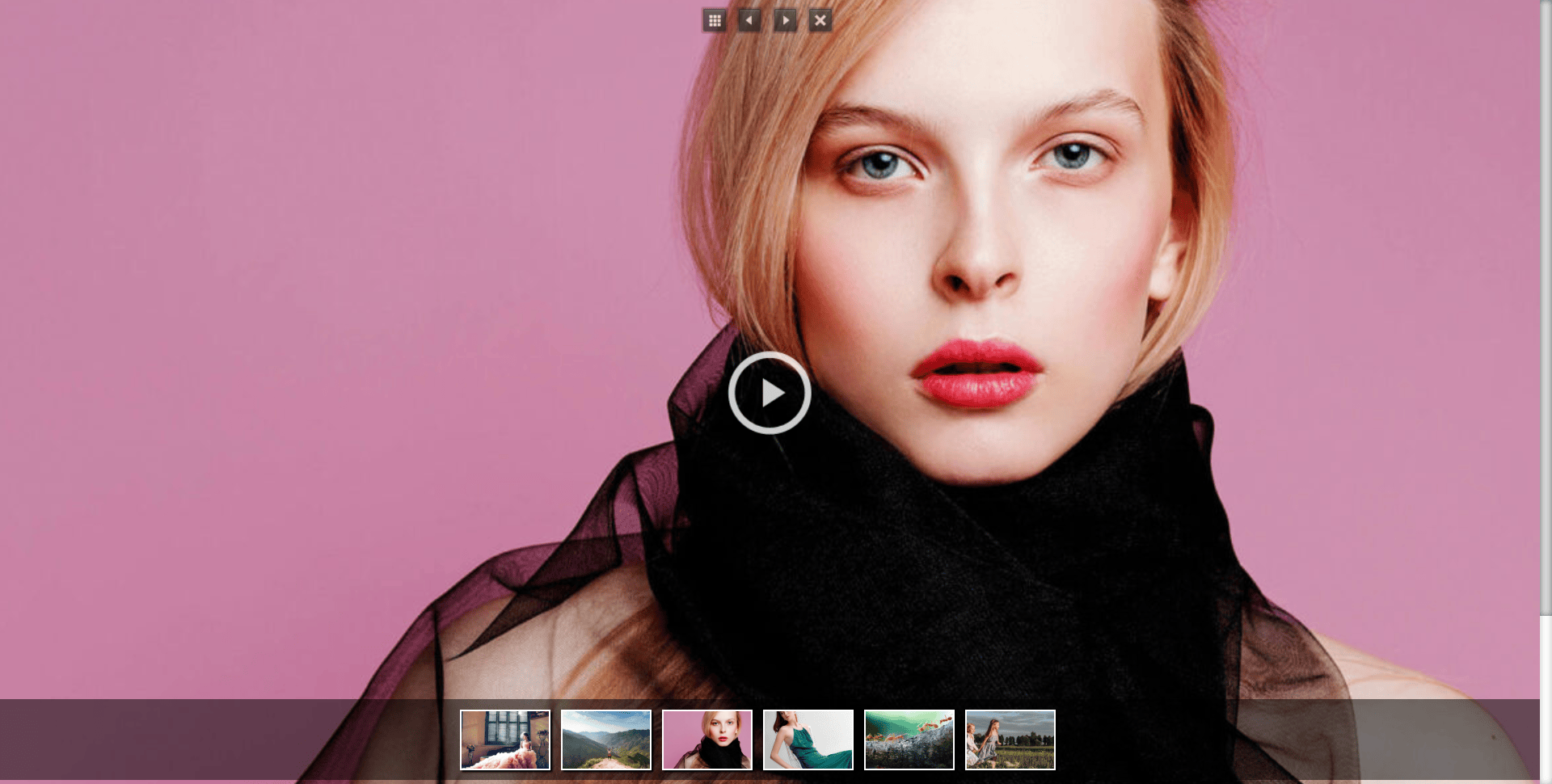
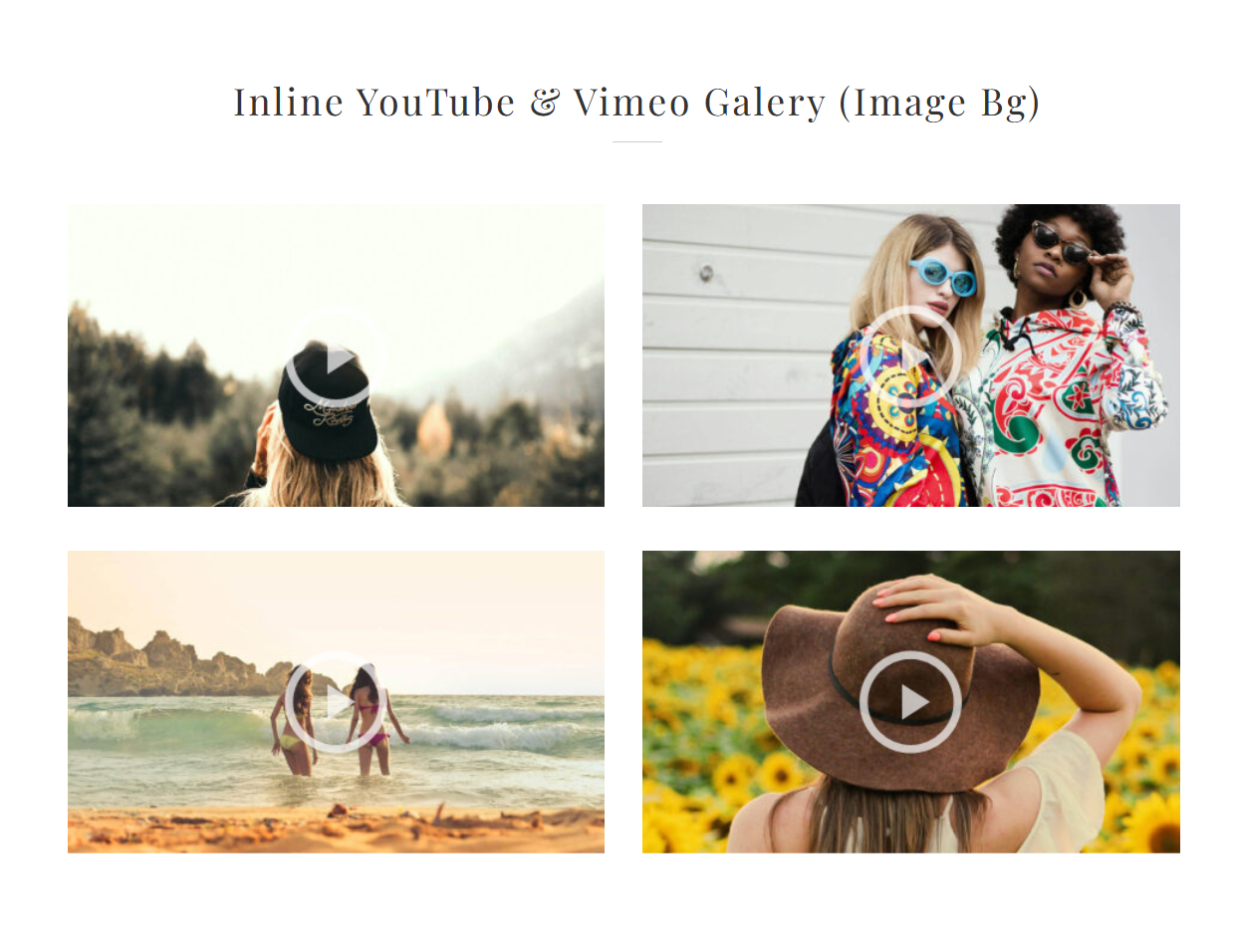
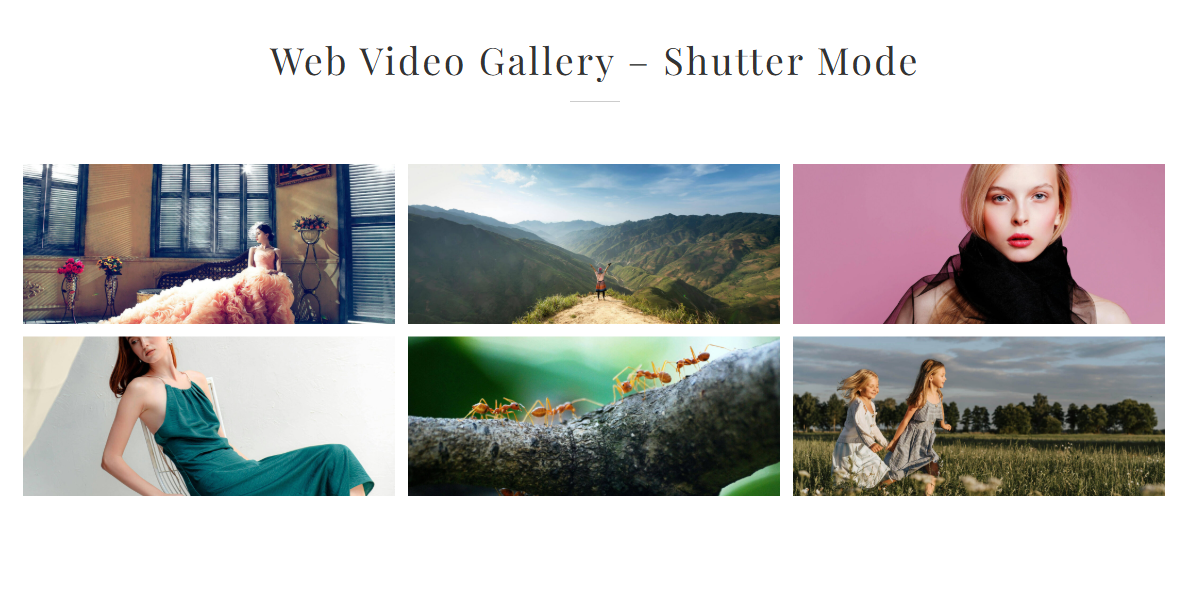
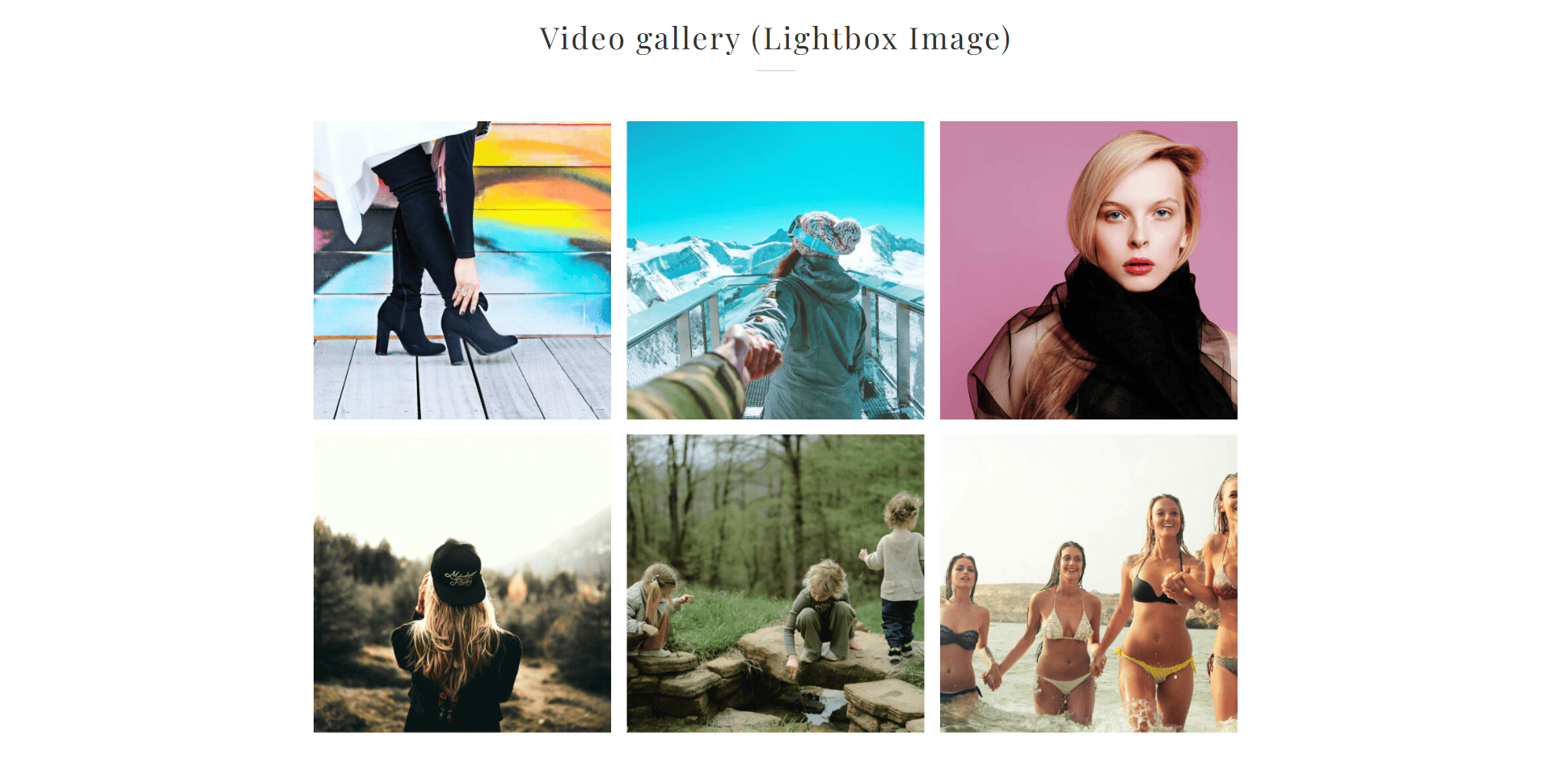
Youtube video gallery. 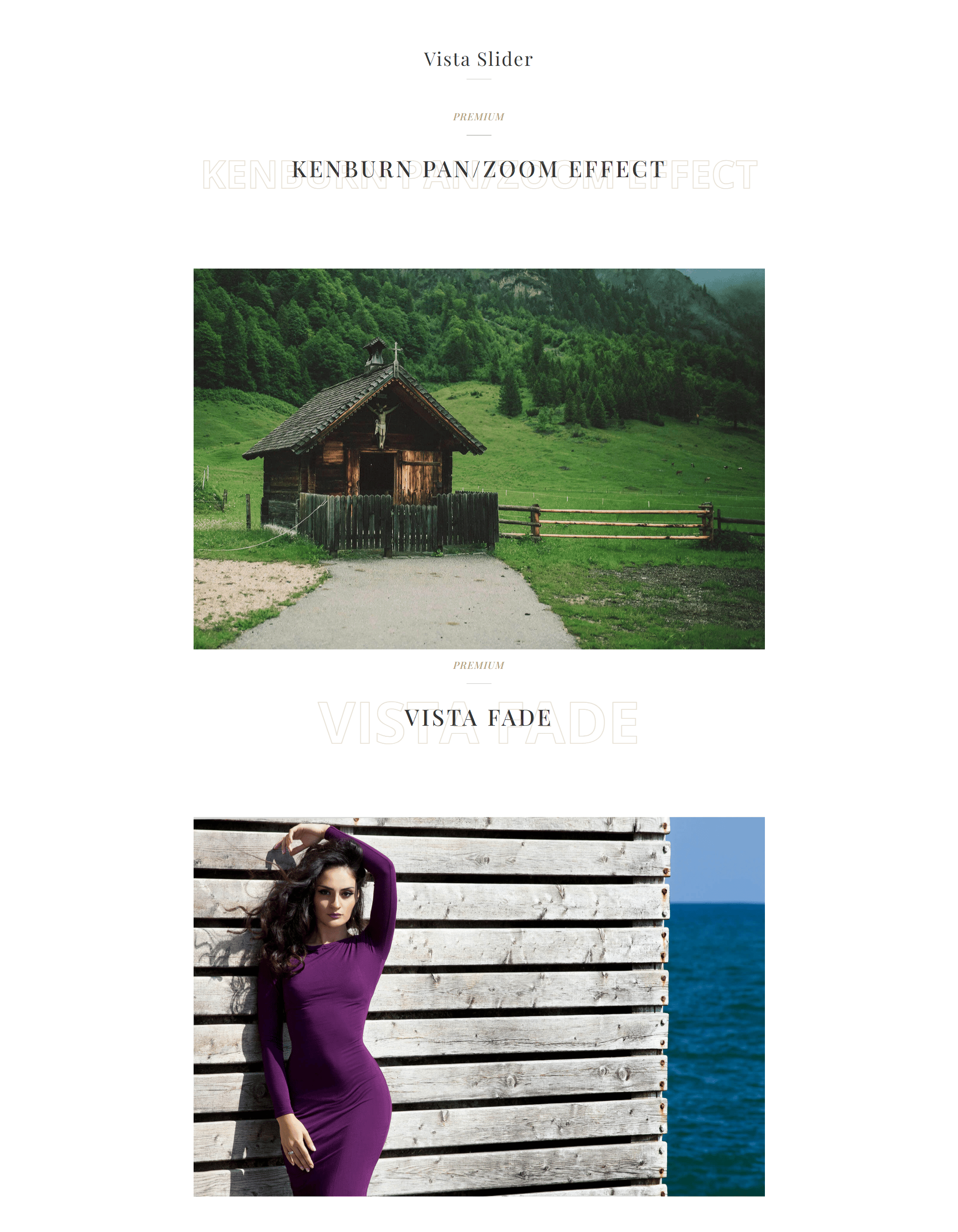
Vimeo video gallery. 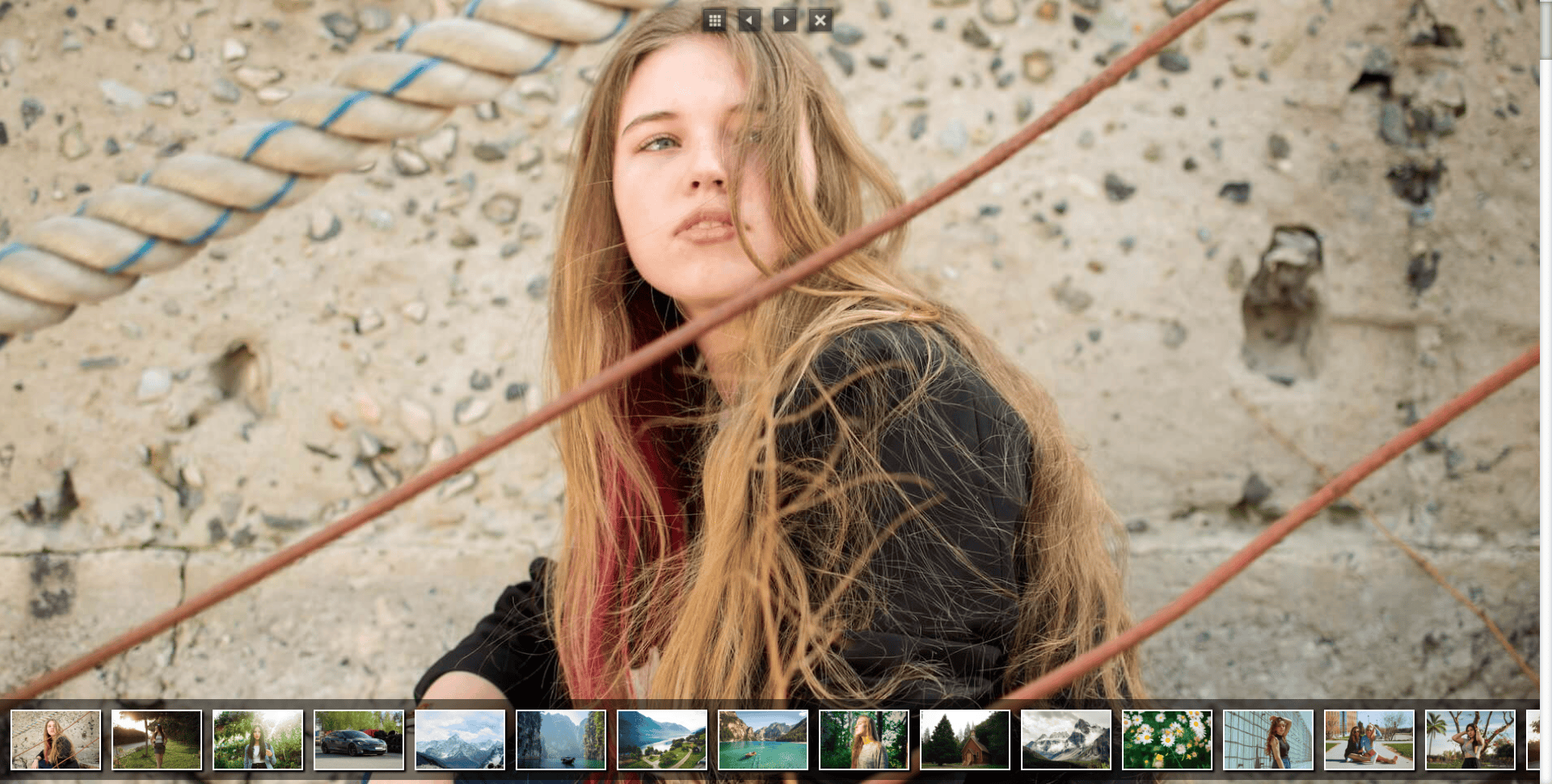

Installation
This section describes how to install the plugin and get it working.
e.g.
First things first, thank you for choosing our PeLightbox Gallery lite plugin!
You can install the plugin one of two ways:
Install using FTP
- Unzip the pelightbox-gallery-slider.zip file locally to your machine
- Connect to your FTP area using your preferred FTP package
- Upload the PeLightbox Gallery folder that you extracted from the zip file to the plugin folder of your WordPress installation (wp-content -> plugin)
- Go to plugin and activate PeLightbox Gallery.
Install by WordPress (recommended)
- Login to your WordPress admin area.
- Navigate to plugin and click the Add New button at the top
- Click the Upload plugin button at the top
- Click the Choose File button and locate the pelightbox-gallery-slider.zip
- File on your machine and click the Install Now button
- On the basis the plugin installs correctly, click the Activate link.
FAQ
-
Can I create image gallery by PeLightbox Gallery?
-
yes, you can create unlimited image gallery.
-
Can I create grid gallery by PeLightbox Gallery?
-
yes, grid is the default gallery by PeLightbox Gallery plugin whene you create the gallery the layout is grid automatically.
-
Can I create slider by peLightbox Gallery ?
-
yes, you can create unlimited swipe sliders.
-
Can I create slider with Kenburn effects by peLightbox Gallery ?
-
No for create slider with Kenburn effect you need upgrade to premium.
-
How many gallery can I create?
-
You can create unlimited gallery by this plugin with lots of options.
-
How to include a gallery in a post or a page?
-
[pelightboxgallery id=”49″]`
-
Can I use this plugin with Visual Composer Page Builder?
-
Yes! PeLightbox Gallery support visual Composer.
-
Can I upgrade this to pro version?
-
Yes, but you need to remove or deactivate the free plugin after insatlled pro version possible if two version is active you’ll have 2 blocks with same featues
Reviews
There are no reviews for this plugin.
Contributors & Developers
“peLightbox Gallery Slider – Responsive Lightbox, Slideshow, Carousel, Image & Video Gallery” is open source software. The following people have contributed to this plugin.
Contributors
“peLightbox Gallery Slider – Responsive Lightbox, Slideshow, Carousel, Image & Video Gallery” has been translated into 1 locale. Thank you to the translators for their contributions.
Interested in development?
Browse the code, check out the SVN repository, or subscribe to the development log by RSS.
Changelog
1.0.0
Released version
1.0.2
- Add Woocommerce Gallery
- Add css for admin bar
1.0.3
- Fixed CSS Issue
- FIxed SLIDER Height
- Added youtube and video gallery