
Description
Koinonia Link is a comprehensive church management plugin for WordPress. It centralizes guest follow-up, ministry workflows, and weekend operations inside your website so your team can manage data, communication, and service logistics in one place. The plugin is designed around a “First Impressions” pipeline that moves guests from visit to connection, while also supporting ongoing ministry needs like groups, events, giving, and volunteer coordination.
Unlike standalone ChMS platforms, Koinonia Link lives inside your website, giving you 100% ownership of your data and a unified experience for your staff and congregation.
Koinonia Link Premium
Upgrade to unlock the full premium suite:
* AI Sermon Multiplier: Convert sermon transcripts into 5-day devotionals and group questions.
* Retention Score: Identify guests at risk of leaving with automated scoring.
* Ghosting Predictor: Flags guests with no recent interactions.
* Pastoral Intelligence: Advanced dashboards and leadership insights.
* Member Health Dashboard: Visibility into engagement signals and care needs.
* Member Portal: Frontend dashboard for profiles, groups, giving, and serving.
* Language Bridge: Translate guest communications and sermon subtitles.
* Financial Stewardship: Giving pattern analysis and care alerts.
* Automation Engine: Scheduled scans and leader notifications for follow-up.
* Smart Automations: Trigger/action workflows with logs and admin UI.
* Safety Dashboard: Tools for safety and security workflows.
* Guardian Safety: Emergency alert and panic button features.
* Maintenance CMMS: Facilities and asset management system.
* Operations / Steward System: Facility operations and smart building hooks.
* Donor Importers: Breeze CHMS and Planning Center Online giving imports.
* Child Checkout Kiosk: Multi-method checkout lookup and pickup verification.
* Family Editor: Centralized family record editor for parents, children, allergies, and pickups.
* Authorized Pickup Photos: Photo capture and management for pickup contacts.
* Photo Consent Workflow: Consent text setting with a linked Terms of Service page.
Get Koinonia Link Premium: https://landtechwebdesigns.com/product/koinonia-link-premium/
Live Preview: https://wordpress.org/plugins/koinonia-link/?preview=1
Guest Journey
* Capture visitors with the Plan Your Visit block and digital connection card.
* Track guest interactions, tags, and follow-up notes in a centralized CRM.
* Keep next steps consistent with workflows and staff visibility.
Weekend Operations
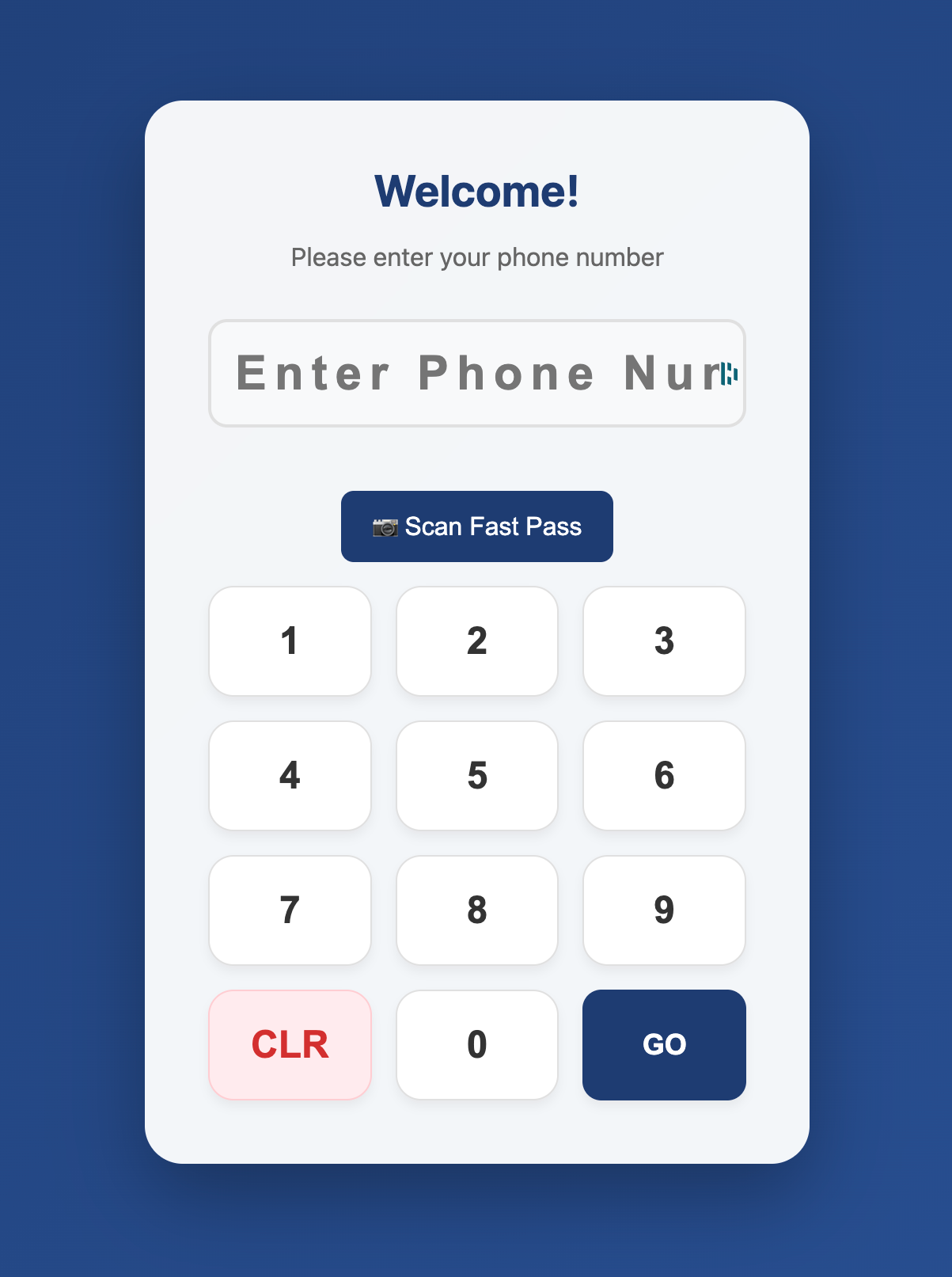
* Run check-in through a kiosk-friendly screen for fast guest and family check-in.
* Organize service plans, teams, and key moments for weekend flow.
* Manage rooms, resources, and facility requests in one place.
Groups & Discipleship
* Maintain small group records with leader tools and group finder views.
* Provide group maps and discovery pages to help guests connect quickly.
* Support volunteer coordination with leader and roster tools.
Church Management Features
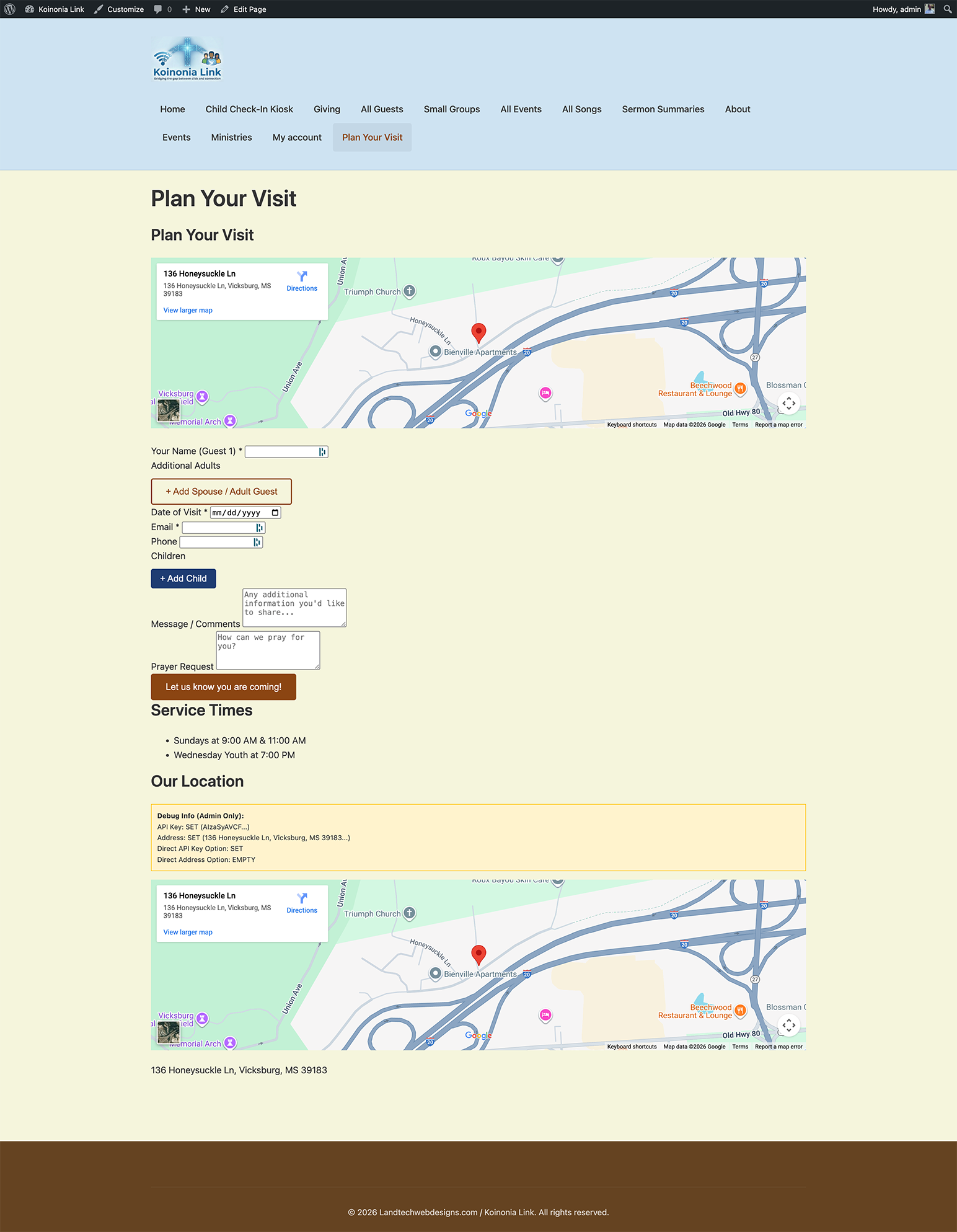
* Plan Your Visit Block: A high-conversion Gutenberg block for guest pre-registration.
* Guest CRM: Central guest profiles with interactions, notes, tags, and follow-up history.
* Digital Connection Card: Mobile-first registration page optimized for QR code use.
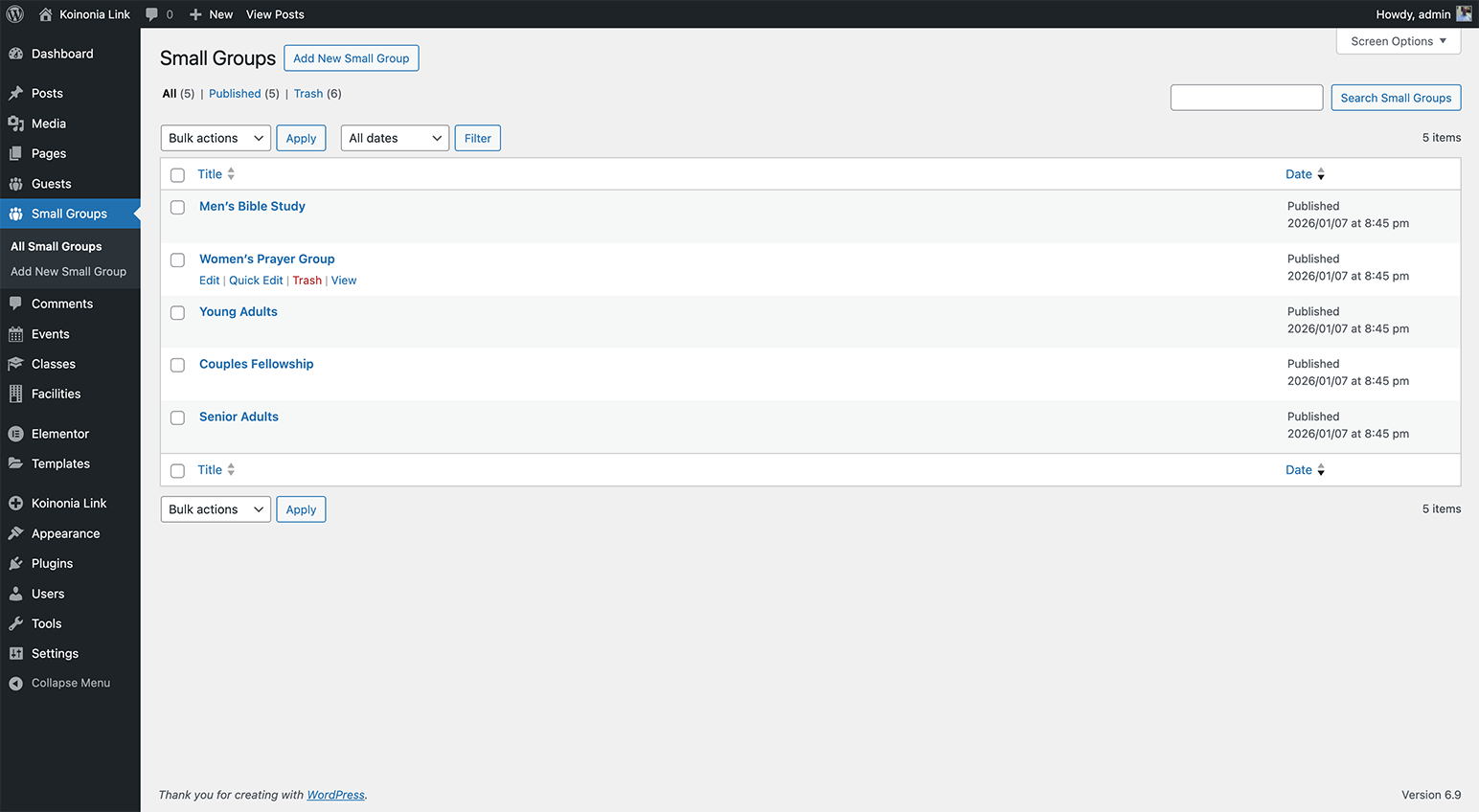
* Small Groups Management: Group records, leader tools, group map, and group finder views.
* Events Management: Create and list church events with visitor-friendly displays.
* Sermons Library: Publish sermons with series and speaker taxonomy support.
* Service Planner: Plan services and key moments for weekend flow.
* Resources & Facilities: Request and manage rooms, resources, and scheduling.
* Check-In Kiosk: Guest-friendly kiosk mode for Sunday morning check-in.
* Volunteer Tools: Volunteer portal, live roster, and leader toolkit.
* Giving Tools: Giving shortcodes and donor access to personal giving history.
* Workflows: Organized follow-up workflows to keep next steps consistent.
* Music & Media: Songs library and media tools for worship planning.
* Privacy & Ethics First: Built-in tools for data anonymization and privacy compliance.
* Developer Friendly: Hooks and filters for customization.
Premium Features (Koinonia Link Premium)
Upgrade to unlock advanced analytics, automation, and safety tools:
* AI Sermon Multiplier: Convert sermon transcripts into 5-day devotionals and group questions.
* Retention Score: Identify guests at risk of leaving with automated scoring.
* Ghosting Predictor: Flags guests with no recent interactions.
* Pastoral Intelligence: Advanced dashboards and leadership insights.
* Member Health Dashboard: Visibility into engagement signals and care needs.
* Member Portal: Frontend dashboard for profiles, groups, giving, and serving.
* Language Bridge: Translate guest communications and sermon subtitles.
* Financial Stewardship: Giving pattern analysis and care alerts.
* Automation Engine: Scheduled scans and leader notifications for follow-up.
* Smart Automations: Trigger/action workflows with logs and admin UI.
* Safety Dashboard: Tools for safety and security workflows.
* Guardian Safety: Emergency alert and panic button features.
* Maintenance CMMS: Facilities and asset management system.
* Operations / Steward System: Facility operations and smart building hooks.
* Donor Importers: Breeze CHMS and Planning Center Online giving imports.
* Child Checkout Kiosk: Multi-method checkout lookup and pickup verification.
* Family Editor: Centralized family record editor for parents, children, allergies, and pickups.
* Authorized Pickup Photos: Photo capture and management for pickup contacts.
* Photo Consent Workflow: Consent text setting with a linked Terms of Service page.
View Premium: https://landtechwebdesigns.com/product/koinonia-link-premium/
External Services
Koinonia Link (free) may connect to the following third-party services when configured. Each is optional unless the feature is in use.
Google Maps / Geocoding API
* Purpose: Map display, group finder, address geocoding (lat/lng for group mapping).
* Data sent: Addresses or zip codes for geocoding; API key for authentication.
* Terms: https://cloud.google.com/maps-platform/terms
* Privacy: https://policies.google.com/privacy
OpenStreetMap Nominatim
* Purpose: Free fallback geocoding when no Google Maps API key is configured (group map feature).
* Data sent: Address strings for geocoding; site URL as User-Agent/referrer.
* Terms: https://operations.osmfoundation.org/policies/nominatim/
* Privacy: https://www.openstreetmap.org/privacy
QR Server (api.qrserver.com)
* Purpose: QR code image generation for connection card and guest intake links.
* Data sent: URLs to encode as QR codes (connection card URL, guest intake link).
* Terms: https://goqr.me/api/terms/
* Privacy: https://goqr.me/api/privacy/
Stripe
* Purpose: Payment processing for giving/donations (when Stripe gateway is enabled).
* Data sent: Payment amounts, payment method details, customer email for transaction processing.
* Terms: https://stripe.com/legal
* Privacy: https://stripe.com/privacy
Twilio
* Purpose: SMS notifications for guest intake leader alerts (when configured).
* Data sent: Recipient phone numbers, message content for SMS delivery.
* Terms: https://www.twilio.com/legal/tos
* Privacy: https://www.twilio.com/legal/privacy
Slack
* Purpose: Pastor/urgent alerts when a high-priority prayer request or guest need is submitted (optional webhook).
* Data sent: Alert summaries, guest name, phone, prayer needs to configured Slack webhook.
* Terms: https://slack.com/legal
* Privacy: https://slack.com/legal/privacy
OpenAI
* Purpose: AI-assisted sentiment analysis and content (Service Planner, guest intake) when OpenAI API key is set.
* Data sent: Text for analysis or generation; API key for authentication.
* Terms: https://openai.com/policies/terms-of-use
* Privacy: https://openai.com/policies/privacy-policy
Land Tech Web Designs (License Server)
* Purpose: License validation for Koinonia Link Premium when the license module is active.
* Data sent: License key for activation, deactivation, and validation.
* Server: https://landtechwebdesigns.com
How do I customize the styles?
Most components inherit your theme styles. For advanced customization, target the .kc- CSS classes in your theme or custom CSS.
Shortcodes
Koinonia Link uses shortcodes to place functionality on any page or post.
-
Plan Your Visit Block
[kc_plan_visit] -
Child Check-In Kiosk
[kc_checkin_kiosk] -
Sermons Grid
[kc_sermon_grid] -
Sermons List
[kc_sermons] -
Events List
[kc_event_list] -
Events Archive
[kc_events] -
Group Finder
[kc_group_finder] -
Group Map
[kc_group_map] -
Small Groups Directory
[kc_small_groups] -
Guest Directory
[kc_guest_directory] -
Connection Card
[kc_connect_card] -
Giving
[kc_give] -
My Giving History
[kc_my_giving] -
Leader Toolkit
[kc_leader_toolkit] -
Leader Portal
[kc_group_leader_portal] -
Volunteer Live Roster
[kc_live_roster] -
Mobile Pass Claim
[kc_claim_ticket]
Elementor Widgets
The theme ships Elementor widgets that map to these shortcodes or module renders:
- Koinonia Shortcode (generic widget)
– Runs the selected shortcode from its module list (see Shortcodes list above).
- Koinonia Giving
– kc_give / kc_my_giving
- Koinonia Member Portal (Premium required)
– kc_member_portal
- Koinonia Sermon Grid
– Renders directly (shortcode equivalent: kc_sermon_grid)
- Koinonia Sermon List
– Renders directly (shortcode equivalent: kc_sermons)
- Koinonia Plan a Visit
– kc_plan_visit
- Koinonia Events
– kc_events
- Koinonia Event List
– kc_event_list
- Koinonia Small Groups
– kc_small_groups
- Koinonia Guest Directory
– kc_guest_directory
- Koinonia Group Map
– kc_group_map
- Koinonia Connect Card
– kc_connect_card
- Koinonia Leader Toolkit
– kc_leader_toolkit
- Koinonia Live Roster
– kc_live_roster
Pricing Tier Wording
Option A:
– Starter — Launch & Connect: Core church features to get online quickly.
– Growth — Engage & Organize: Deeper tools for teams and weekly ministry.
– Pro — Lead at Scale: Advanced workflows for growing, multi-campus churches.
Option B:
– Starter — Essentials: Simple setup for sermons, events, and giving.
– Growth — Momentum: Better engagement, planning, and member tools.
– Pro — Impact: Full platform with automation and premium experiences.
Option C:
– Starter — Foundation: Everything you need to launch confidently.
– Growth — Expansion: Add capacity for volunteers, groups, and care.
– Pro — Enterprise: Complete suite for large teams and complex ops.
Screenshots

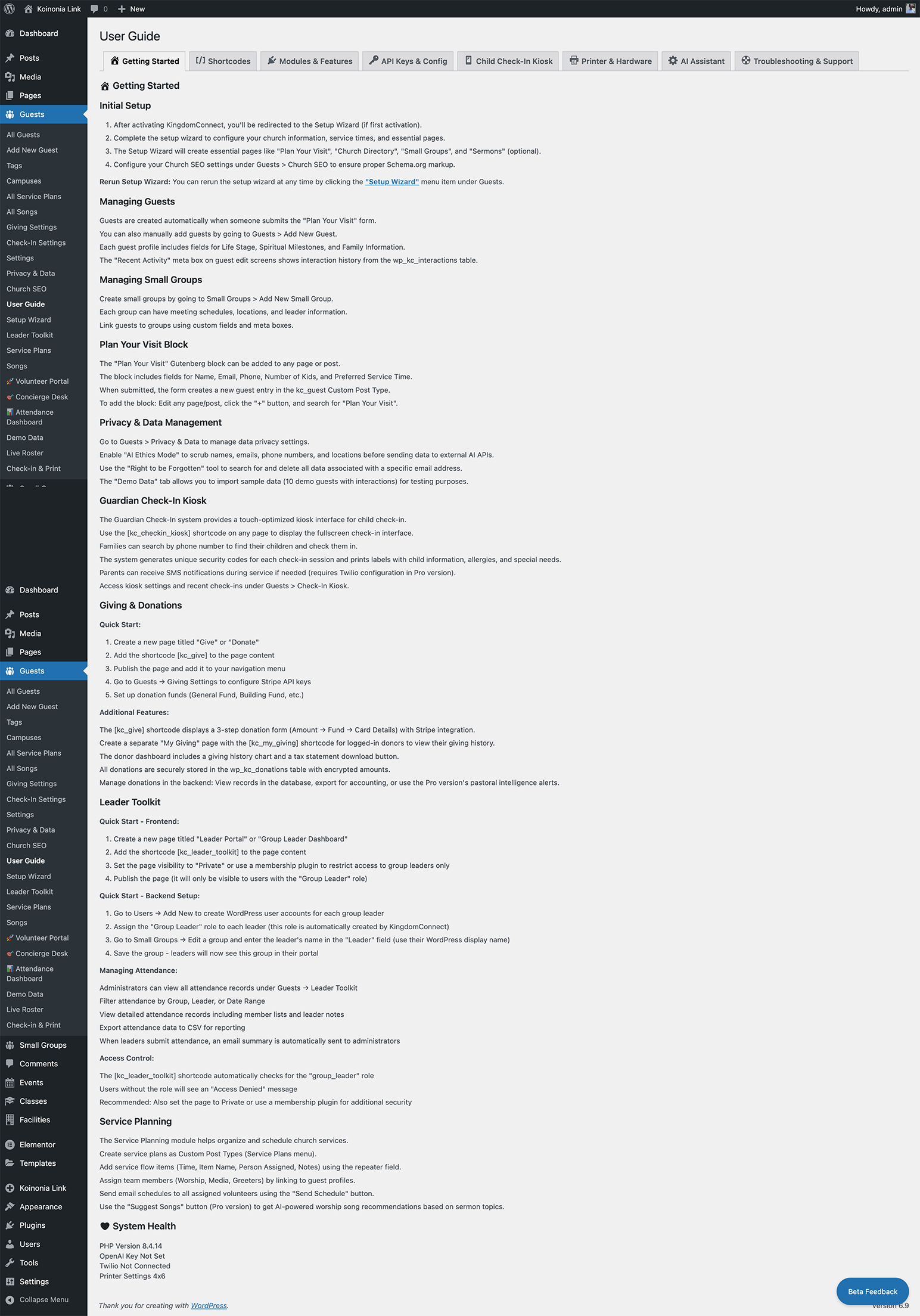
The Guest CRM Dashboard showing the interaction timeline. 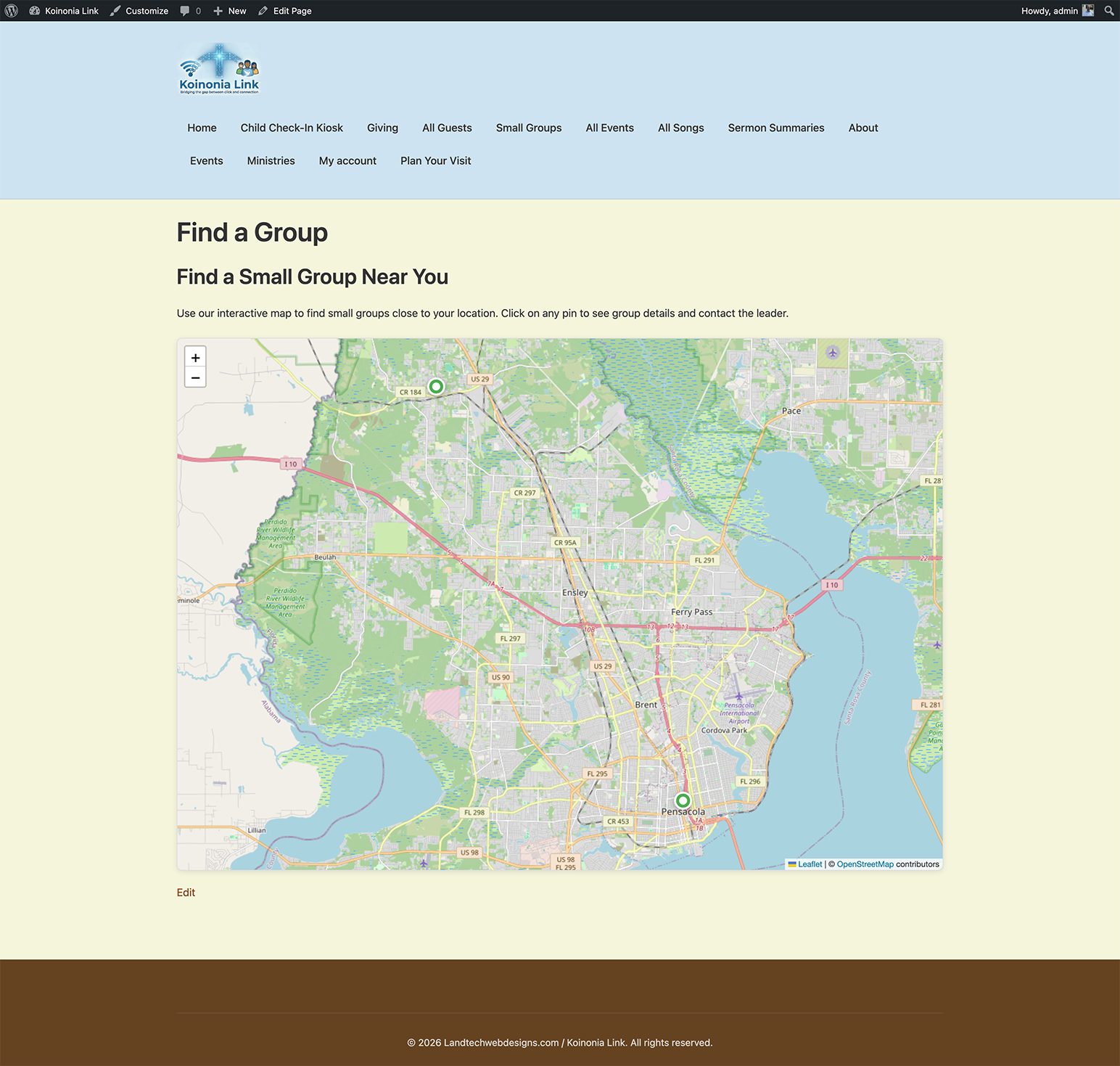
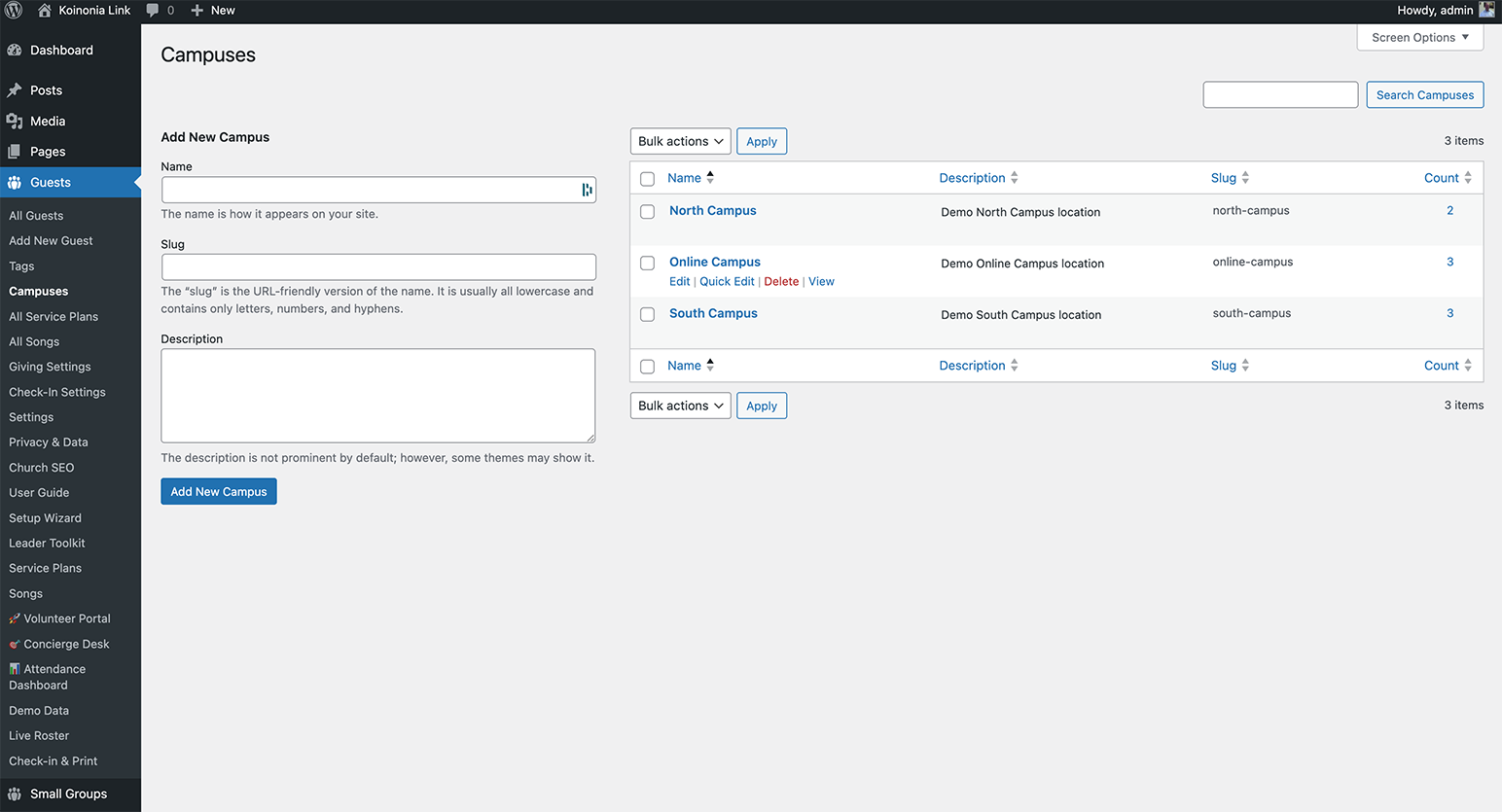
The ‘Plan Your Visit’ Gutenberg block on a mobile device. 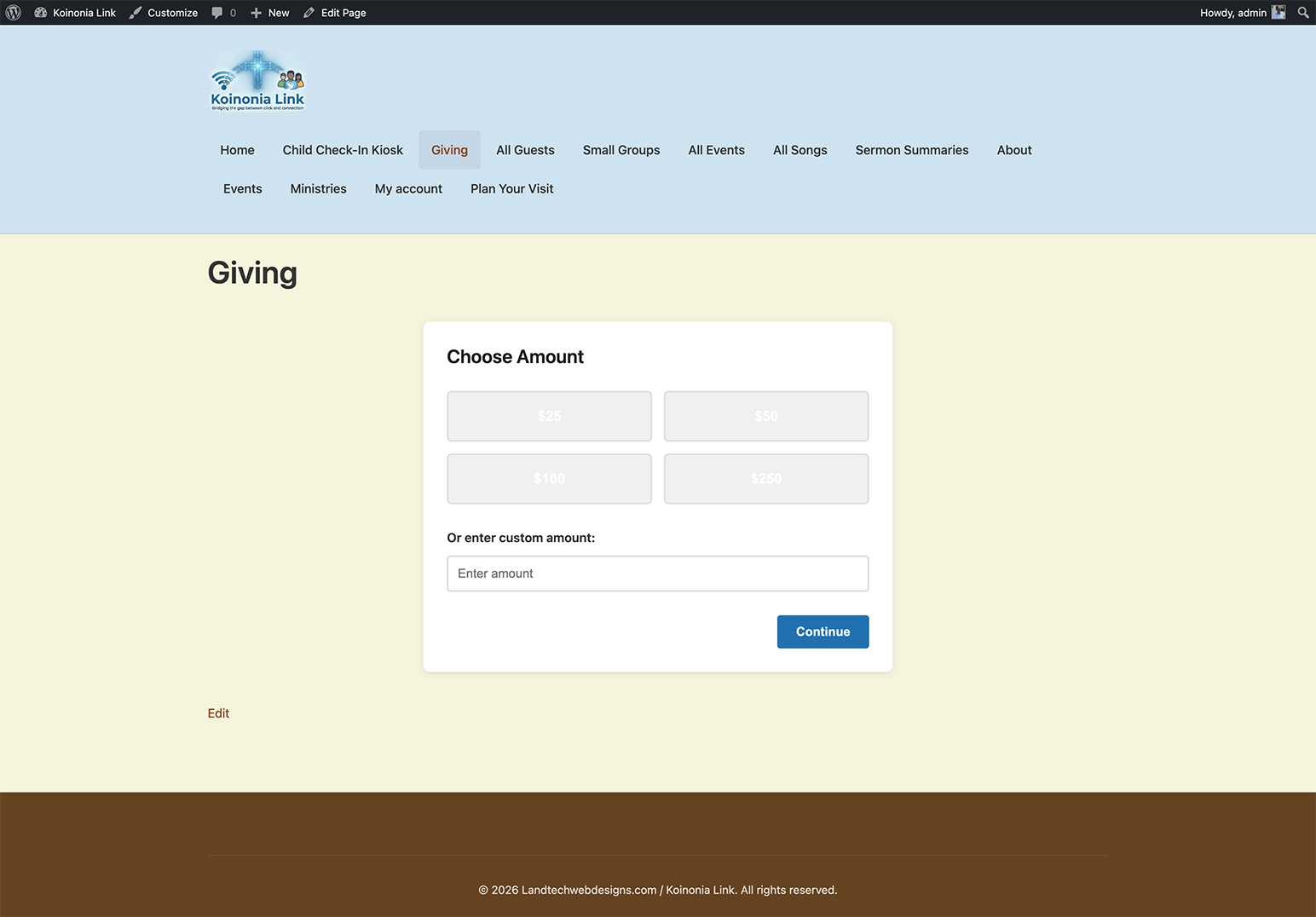
The Privacy & Ethics settings panel. 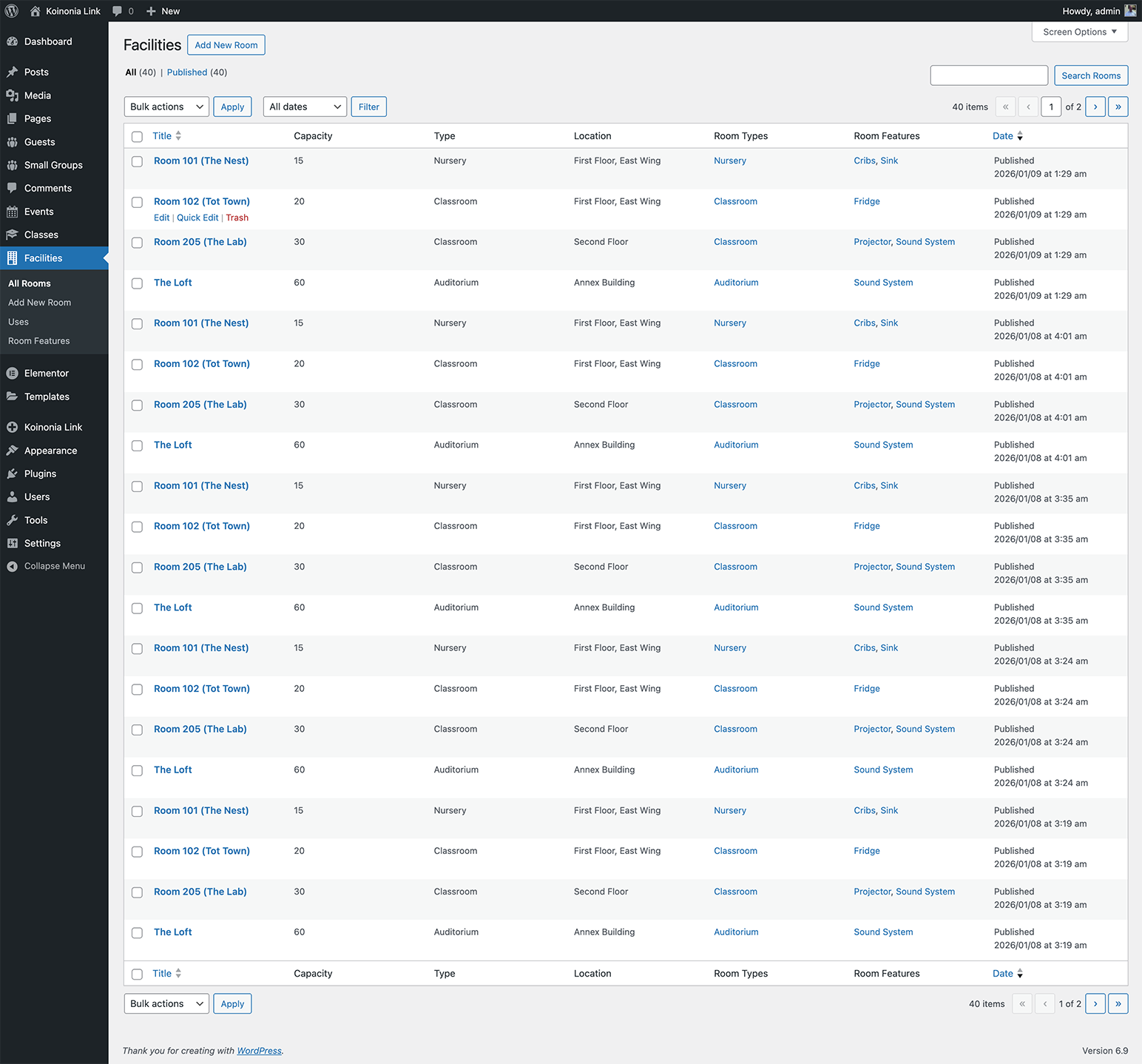
Blocks
This plugin provides 1 block.
- Plan Your Visit
Installation
- Upload the
koinonia-linkfolder to the/wp-content/plugins/directory. - Activate the plugin through the ‘Plugins’ menu in WordPress.
- Use the ‘Koinonia Link’ menu in the admin sidebar to begin setup.
- Add the ‘Plan Your Visit’ block to any page using the Gutenberg editor.
FAQ
-
What is Koinonia Link?
-
Koinonia Link is a church management plugin for WordPress that helps you track guests, manage groups, publish sermons, run events, handle giving workflows, and coordinate volunteers directly from your website.
-
Does this replace my church management software?
-
Not necessarily, but it certainly can. Koinonia Link can serve as a lightweight church management system inside WordPress, or it can complement other platforms by powering your public-facing guest and ministry experience.
-
Is the Check-In Kiosk secure?
-
Yes. The kiosk runs through secure AJAX handlers and is designed for use on a dedicated kiosk page. Use a locked-down browser or device kiosk mode for best results.
-
What hardware do I need for the kiosk?
-
Any modern browser on a tablet or touchscreen monitor works well. Optional barcode scanners often work as keyboard input devices.
-
Can I use Koinonia Link with Elementor?
-
Yes. The plugin includes Elementor widgets for sermons and events so your layouts stay consistent with your design system.
-
Why do I need a Google Maps API key?
-
Maps are used in the Plan Your Visit experience and group mapping/geocoding features. A valid key enables map display and location lookup.
Reviews

Contributors & Developers
“Koinonia Link” is open source software. The following people have contributed to this plugin.
Contributors
Translate “Koinonia Link” into your language.
Interested in development?
Browse the code, check out the SVN repository, or subscribe to the development log by RSS.
Changelog
1.1.4
- Add review request prompt for administrators after 7 days.
1.1.3
- Improve plugin check compliance for nonce handling and core notices.
- Update premium upgrade list with Guardian Mode medical alerts.
1.1.2
- Add premium upgrade link in plugin row meta.
1.0.0
- Initial release of Koinonia Link Core.
- Added Guest CPT and Interaction logging.
- Added ‘Plan Your Visit’ Gutenberg block.